
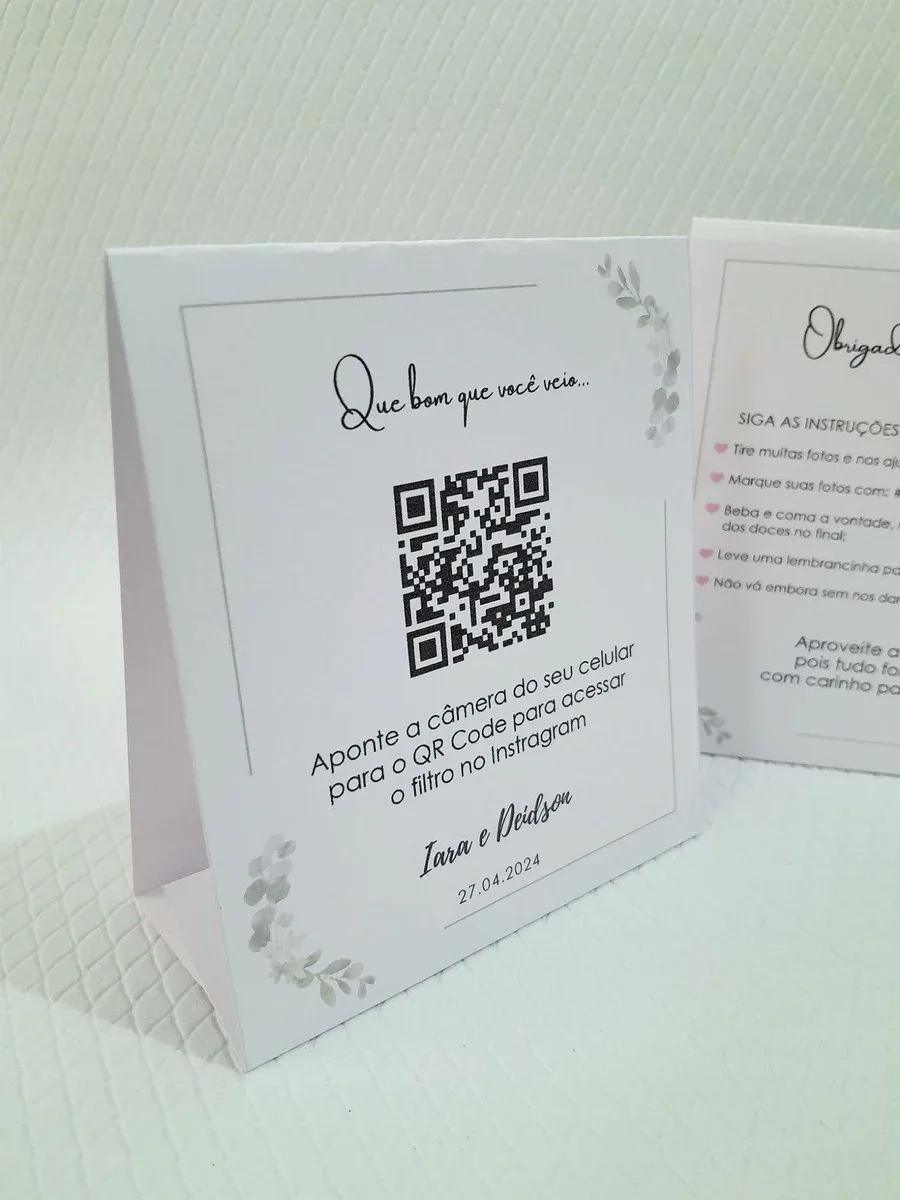
Collect corporate event photos in a live album — conventions, team parties, and product launches.
Paulo R. · Marketing
Replaced email chaos with one QR. Social team loved it.
Why QR code at corporate events
Attendees take photos that never reach marketing. One QR centralizes UGC for social and reports.
QR on badge, backdrop, stand, or closing slide.
Features for companies
- Custom page with event name, colors, and cover
- QR code for instant upload — no app
- Live gallery during the party
- Slideshow for TV or projector
- Full ZIP download
- Works on iPhone and Android
Attendee upload flow
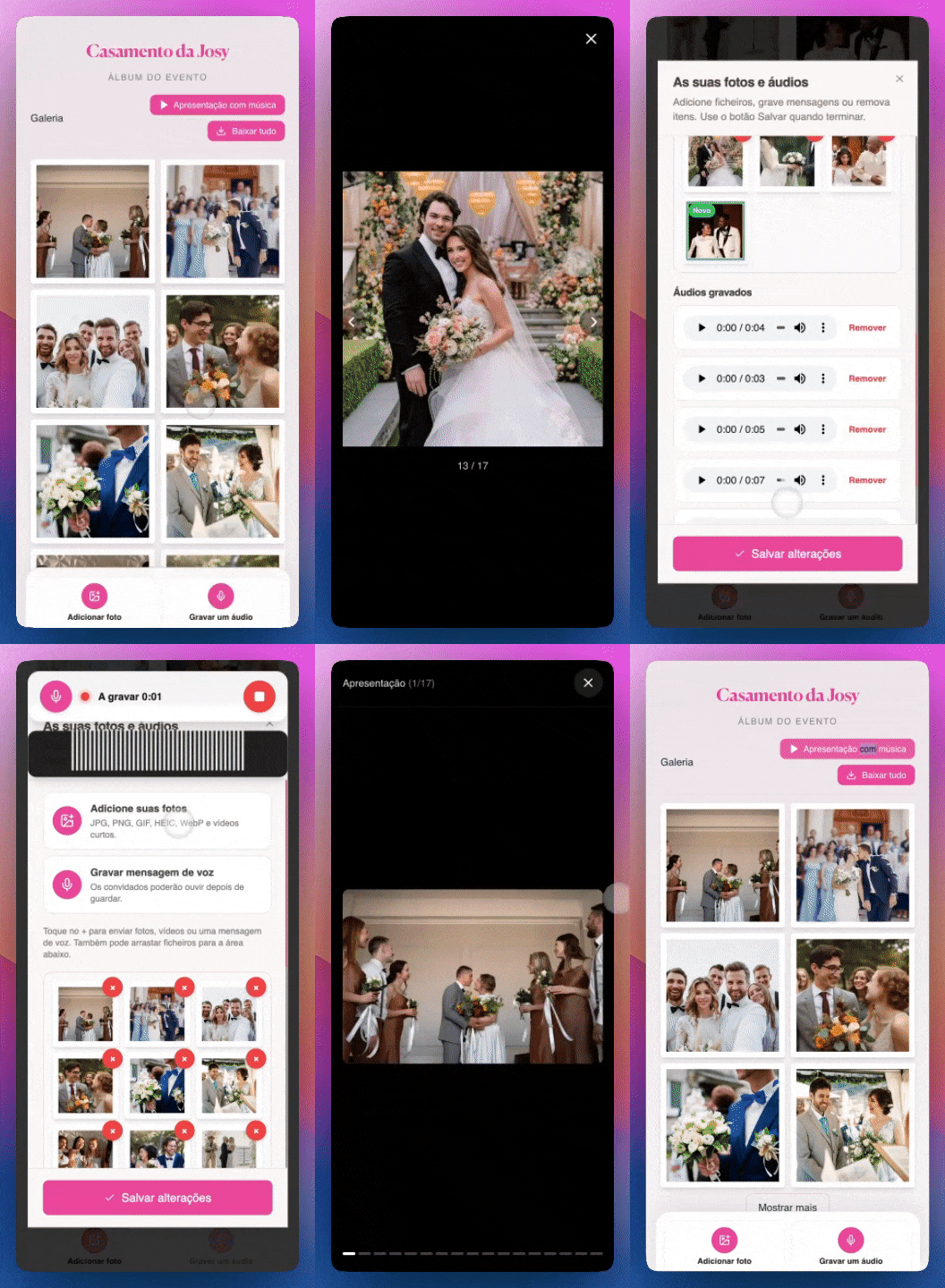
Corporate event photos
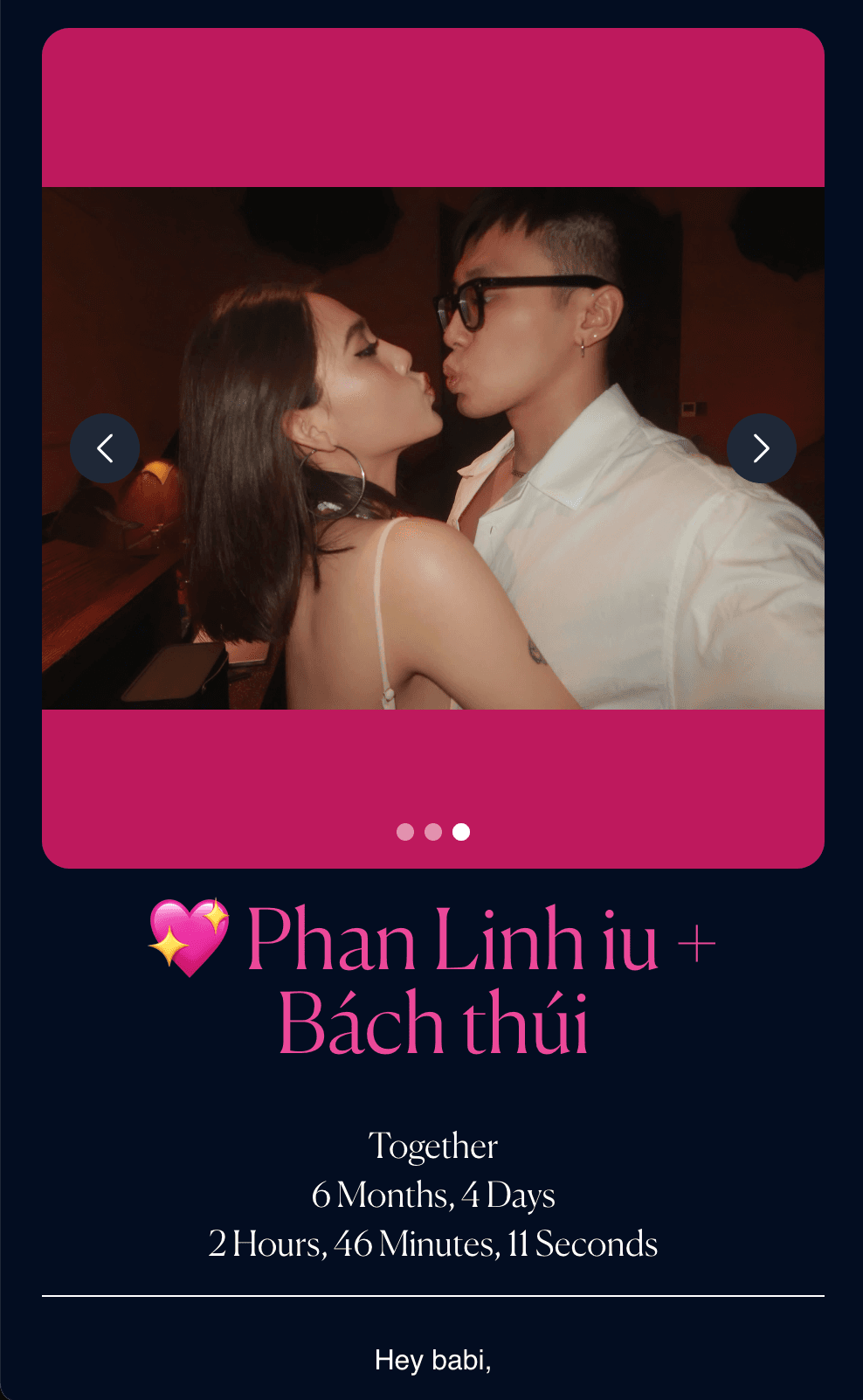


Full flow for event teams
Events that used it
Convention: 800 UGC photos
QR on badge. Marketing downloaded ZIP next day.
Holiday party: Live gallery
Screen at year-end celebration.
Launch: Social content
Authentic attendee photos.
How to set up
- Open the photo tunnel creation page
- Add event name, colors, and cover image
- Publish and download the QR code to print
- Place QR at the party — table, invite, or entrance
- Guests scan and upload from their phone
- Download the full album as ZIP after the event
Corporate tips
- QR on all printed event materials.
- Announce on stage or screen.
- Download ZIP for marketing team.
- Use page with brand logo and colors.
FAQ
Works for large events?
Yes. Unlimited photos on paid plan.
No app?
Attendees use browser.
Brand customization?
Logo, colors, event name.
Bulk download?
Full ZIP available.
Full guide
We have a dedicated landing page with examples, testimonials, and FAQ:
See full corporate event guide
Conclusion
Turn attendees into content creators — with one simple QR code.
Read more on the GiftsQR blog or the corporate event landing page.