

Graduation brings a ceremony, a party, and dozens of photos across friend groups. With GiftsQR event memories (Tunel), you build a single page: class or graduate name, thank-you copy, and a gallery that collects the highlights — shared by link and QR Code.
This guide follows the same shape as other GiftsQR album guides, from start to sharing.
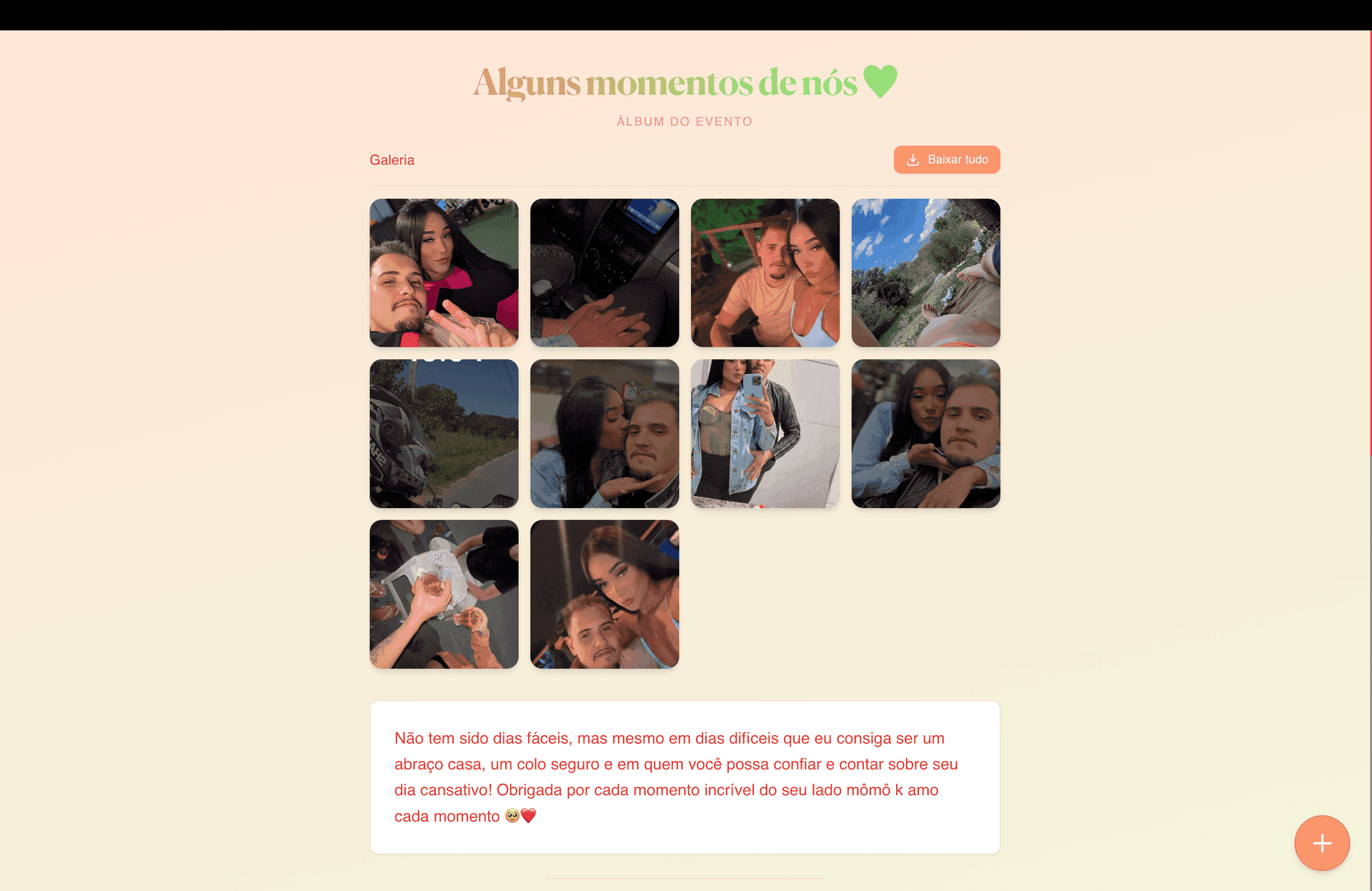
What you will have at the end
- A link for your class chat, family, and teachers
- A QR Code for printed invites, digital invites, or signage at the party
- A gallery with ceremony, cap toss, party, and friends
What to prepare before you start
- Headline name (class, program, or graduate — however you want it to read)
- Copy: dedication to parents, teachers, or a class quote
Step 1 — Open event memories
Go to: giftsqr.com/en/tunel
This flow builds event albums — high school, college, or postgraduate celebrations.
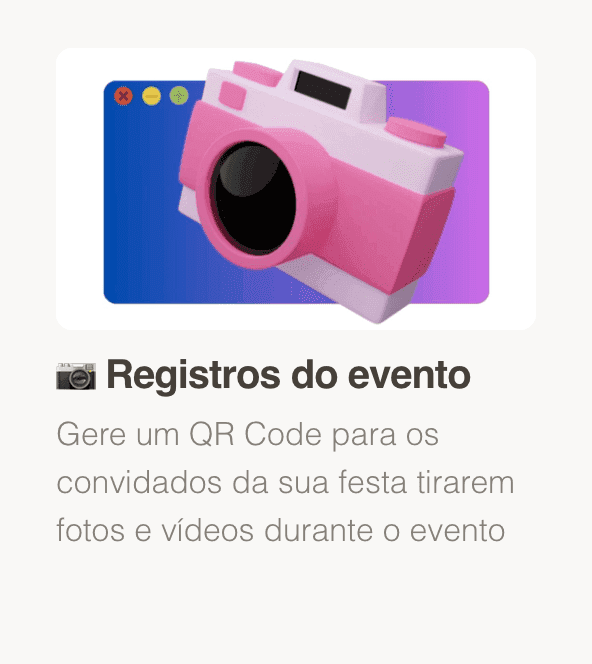
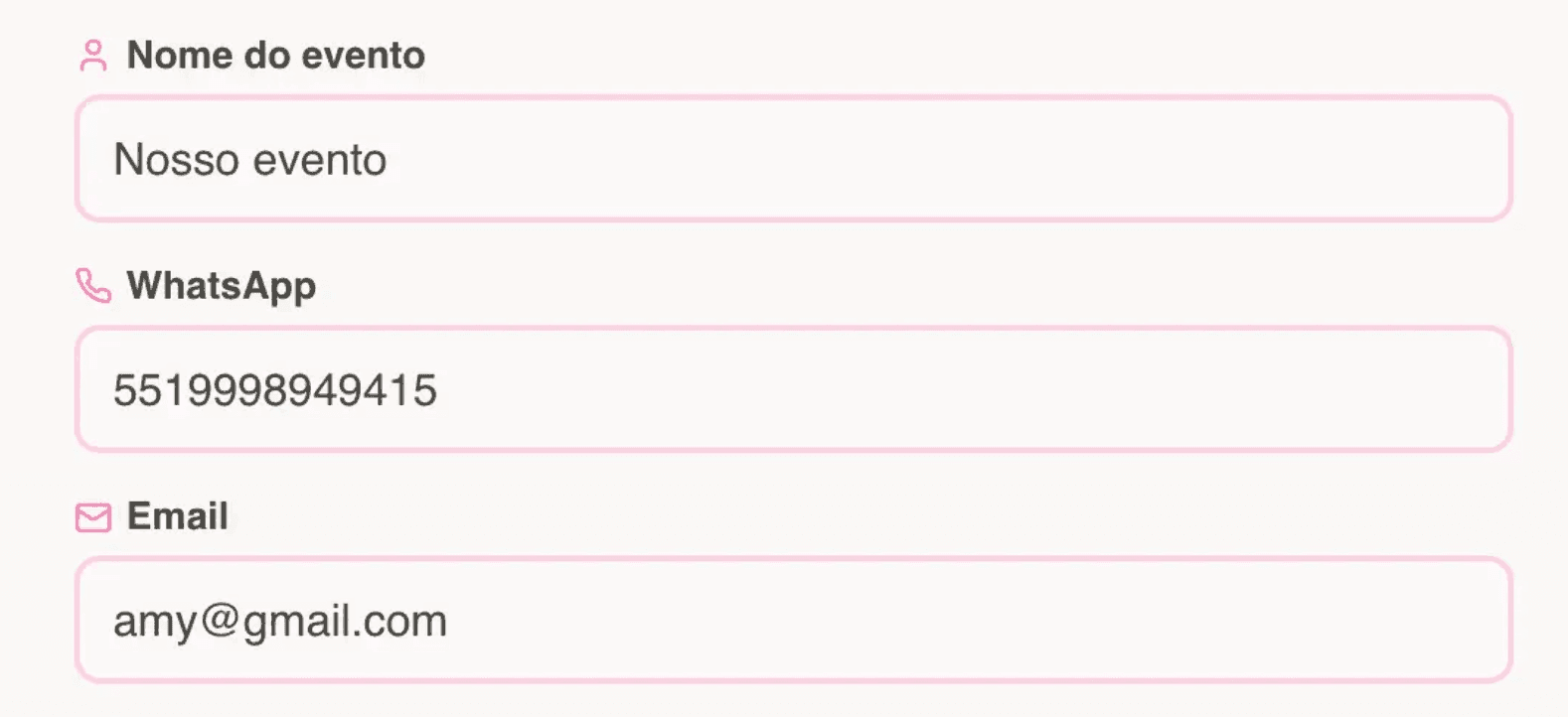
Step 2 — Enter your details
- Enter the name guests should see (e.g. “Class of 2026 — Business”).
- Add phone with country and area code if WhatsApp delivery is available.
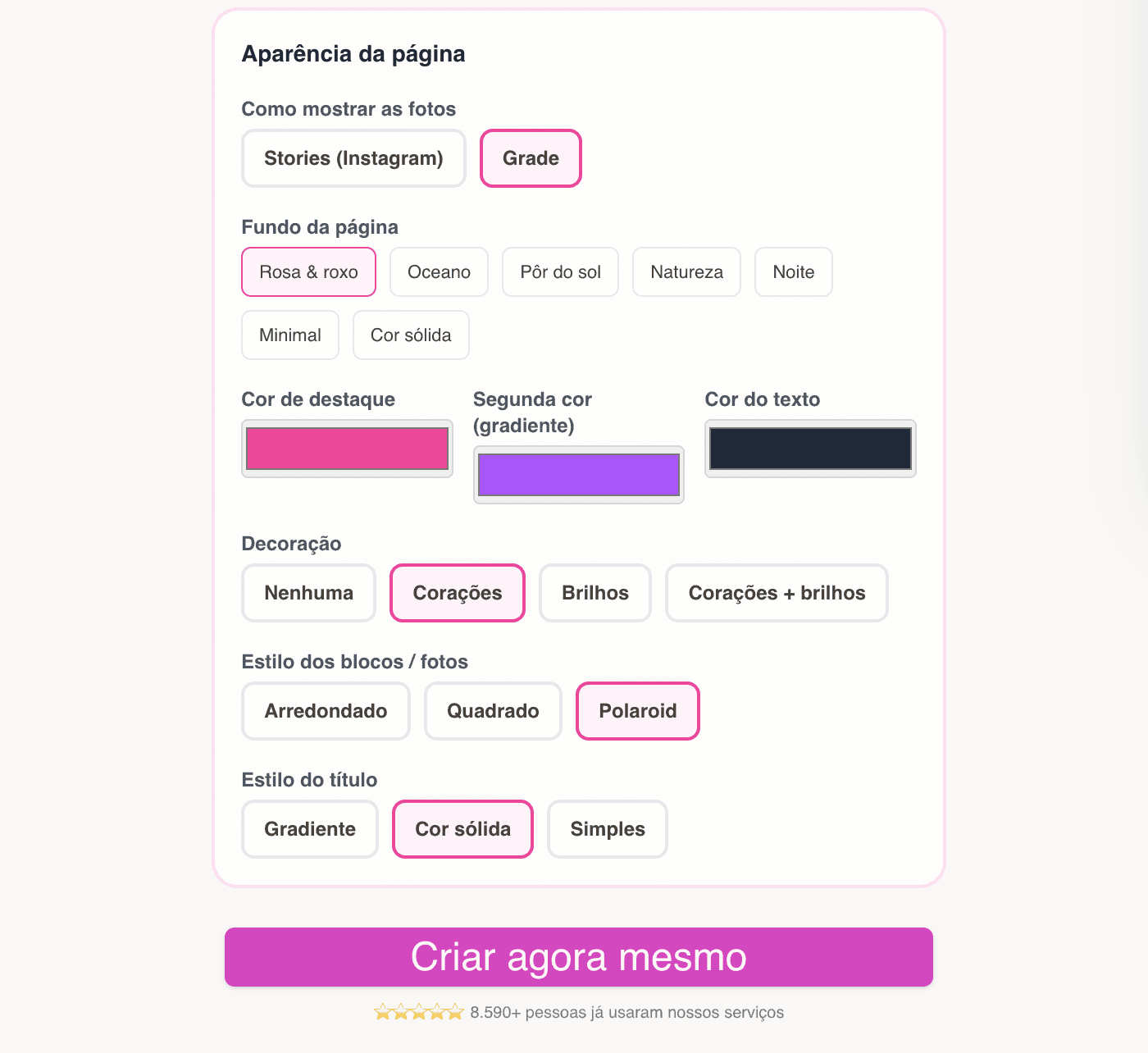
Step 2.1 — Choose the page style
- Pick a tone that matches the ceremony or the after-party.
- Tune colors in the editor to align with school colors or party branding.
Step 3 — Page created: link, QR, and editing
You get the public link, QR, and editor.
Save your editor link so you can add photos as friends send their best shots after the event.
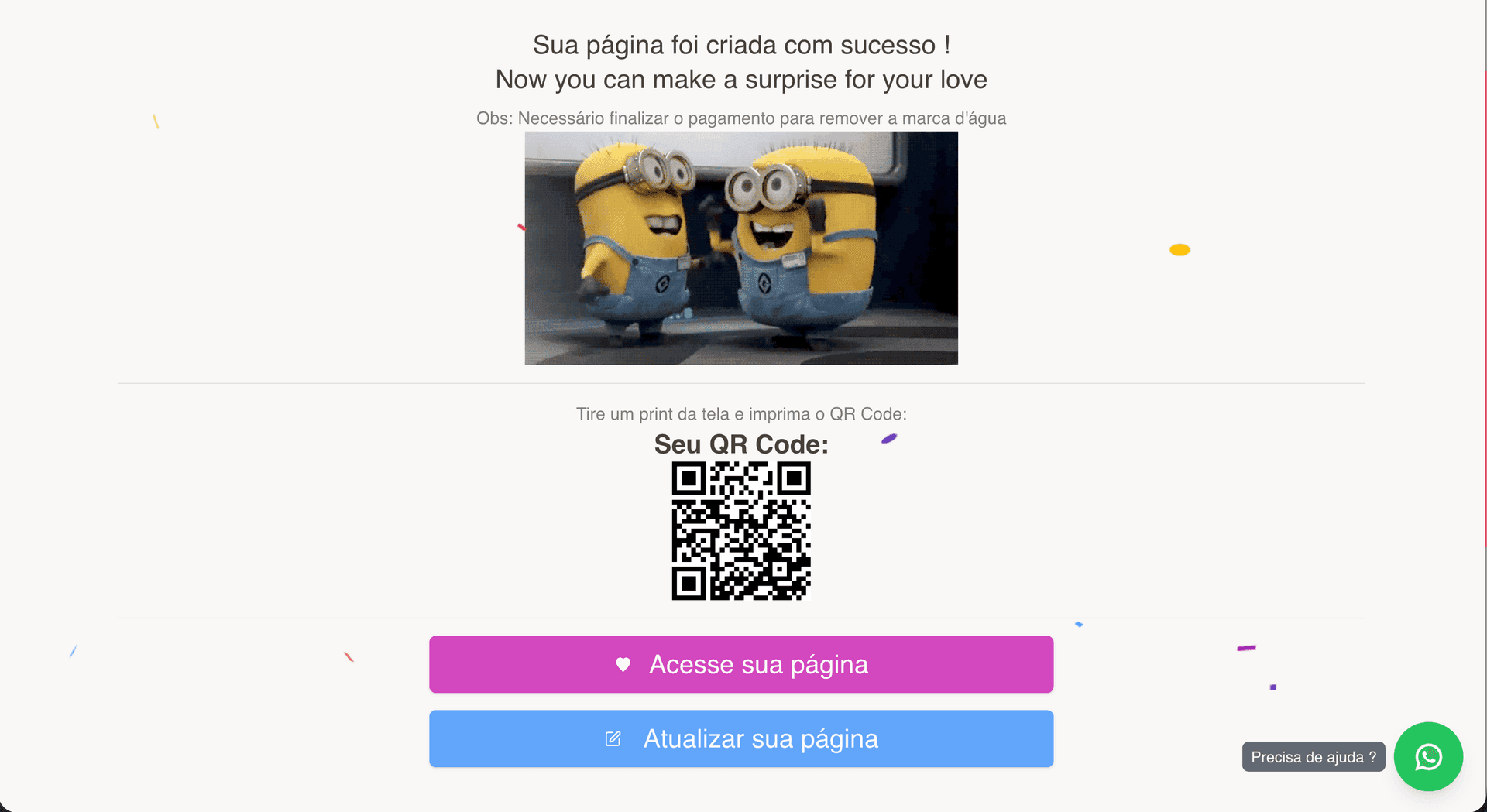
Step 5 — Preview and share
Use View page to sanity-check the guest experience. Show the QR at the party entrance or on a slideshow so people can scan and save the page.
Ideas:
- Link in the class group chat
- QR on a printed program or favor

Tips for a polished result
- Hero image: a strong class shot or cap-toss moment.
- Ask friends for photos and refresh the gallery in the editor.
- Short, sincere copy often lands better than long blocks of text.
Frequently asked questions
Does this work for graduate school?
Yes — the product is flexible; adjust the name and photos to your level.
Party only, no ceremony?
Yes — you choose what to feature.
Ready to start?
Create graduation memories on GiftsQR
Read more on the GiftsQR blog.