
QR Codes on Wedding Invitations: RSVP, Maps, Registry and More
The modern wedding invitation has a problem: it needs to carry an RSVP mechanism, directions, registry info, dress code, hotel blocks, and a schedule — and it's supposed to stay elegant while doing it. The QR code is how invitations lost the inserts and kept the calligraphy. One small square, printed discreetly, carries everything the beautiful paper shouldn't have to.
5 things a wedding QR does better than paper
- RSVP without stamps. Instead of mail-back cards (slow, easily lost, chronically ignored), the QR opens an online RSVP page where guests confirm in 30 seconds, note dietary restrictions, and add their plus-one. You watch the guest list fill in real time instead of chasing aunts by phone.
- The map that can't be misread. Link directly to the venue's pin. No one interprets hand-drawn directions; no one types an address wrong. This QR earns a spot on the day-of signage too.
- Registry, handled tactfully. Etiquette has always frowned on printing registry details on the invitation itself. A QR to your wedding page threads the needle: the info is available to those who look, invisible to those who don't.
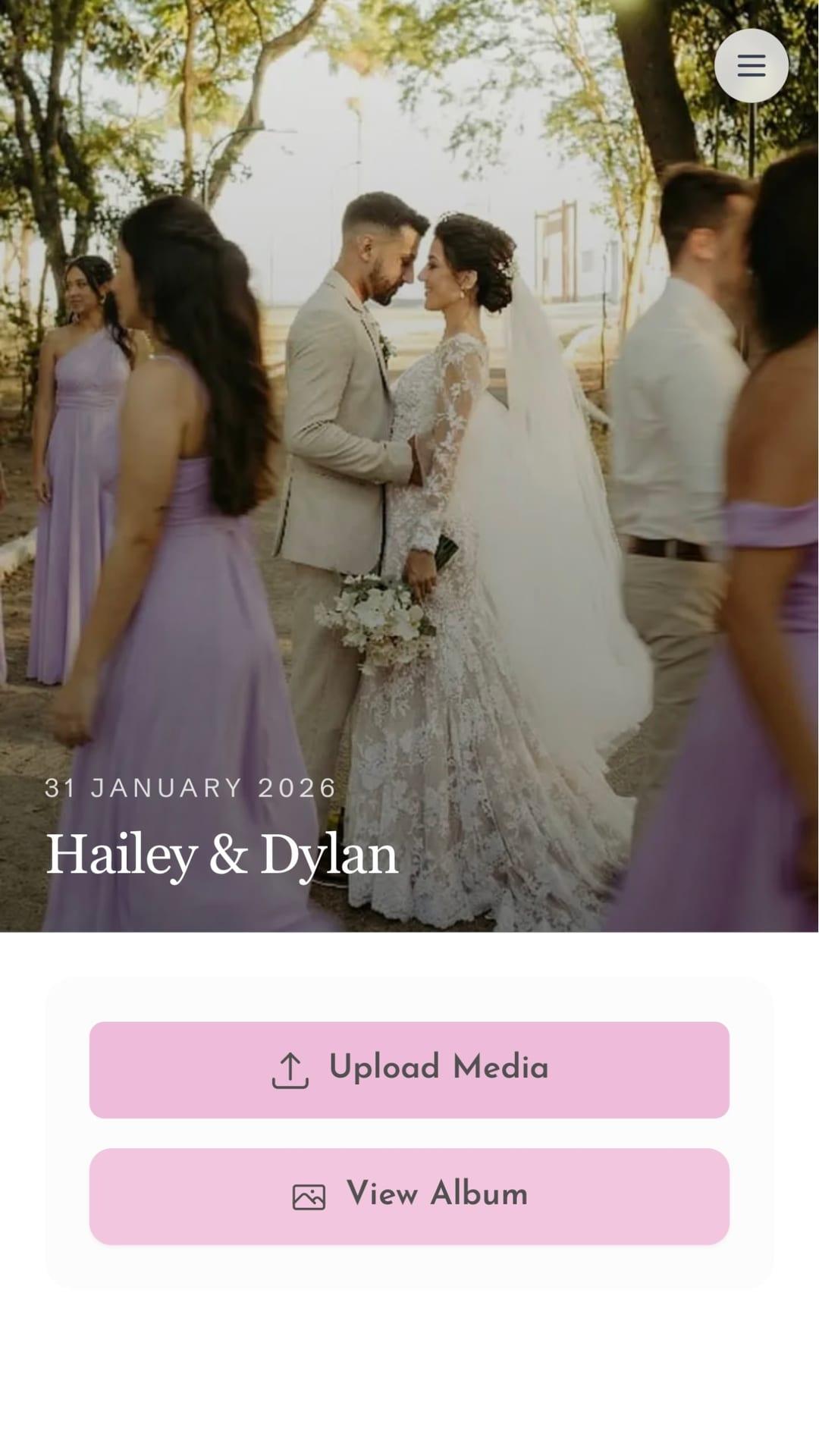
- The collaborative photo album. A QR on each reception table linking to a shared photo album where guests upload their shots all night. You get hundreds of candid photos — the getting-ready chaos, the dance floor — that the official photographer physically can't capture alone.
- The message wall. A QR where guests record video or audio messages during the reception. It replaces the guest book nobody rereads with the toasts you'll actually rewatch on anniversaries.
Etiquette: what not to do 🚫
QR codes earn their place at weddings when they serve guests, not when they replace warmth. The lines to hold:
- Never make the QR the whole invitation. The names, date, and city belong in print — the code carries logistics, not the honor of being invited.
- Always offer a fallback. Print a short URL beneath the code ("or visit: giftsqr.com/...") for guests who don't scan. One line saves ten phone calls.
- Don't put payment requests behind a wedding QR. A registry page: yes. A bare payment link on the invitation: widely considered tacky. Let gift-givers arrive at contribution options through the wedding page, with context.
- Keep it discreet. Bottom corner or the back of the card, sized around 2–2.5 cm. It should read as a detail, not a headline.
- Grandparents rule. If the oldest guest can't use it, the fallback isn't optional. Assign a niece as the family's "scan support" and mention the RSVP phone alternative for the truly offline.
💡 Pro tip: Match the code to the palette — navy on ivory scans as reliably as black on white, as long as it stays dark-on-light. Metallic gold foil looks stunning and scans terribly; if you want gold, put a matte code on a gold-framed area instead.
Step by step: from zero to printed invitation
- Build the destination first. Create your wedding page with RSVP form, map link, schedule, registry, and hotel info. Have someone outside the couple proofread the details — dates and times hide typos from the people who wrote them.
- Generate the code. Use a QR code generator pointing at your page. Prefer an editable destination: if the reception time shifts, you update the page and every already-printed invitation quietly corrects itself.
- Place it with the designer. Back of the card or bottom corner, with the fallback URL beneath in small type. Insist on the quiet zone — the white margin around the code — surviving the final layout.
- Print one proof. Scan it on two phones, under warm indoor light, on the actual card stock. Glossy stock adds glare; matte is safer.
- Test the whole journey. Scan → page loads → RSVP as a fake guest → confirm you received it. Five minutes now prevents the "did my RSVP go through?" text wave later.
- Reuse the code on the day. The same QR goes on welcome signage and table tents — guests who lost the invitation still reach the album and message wall.
The timeline that makes it painless
Send invitations 8–10 weeks out with an RSVP deadline 3–4 weeks before the date. Around the deadline, message the silent guests with the same link — that's the QR's quiet superpower: the reminder is one tap, not a reprint.
Handled this way, the technology disappears into the hospitality — beautiful paper up front, effortless logistics behind a small square, and a photo album that fills itself while you dance.