Guest photos & videos · One QR code
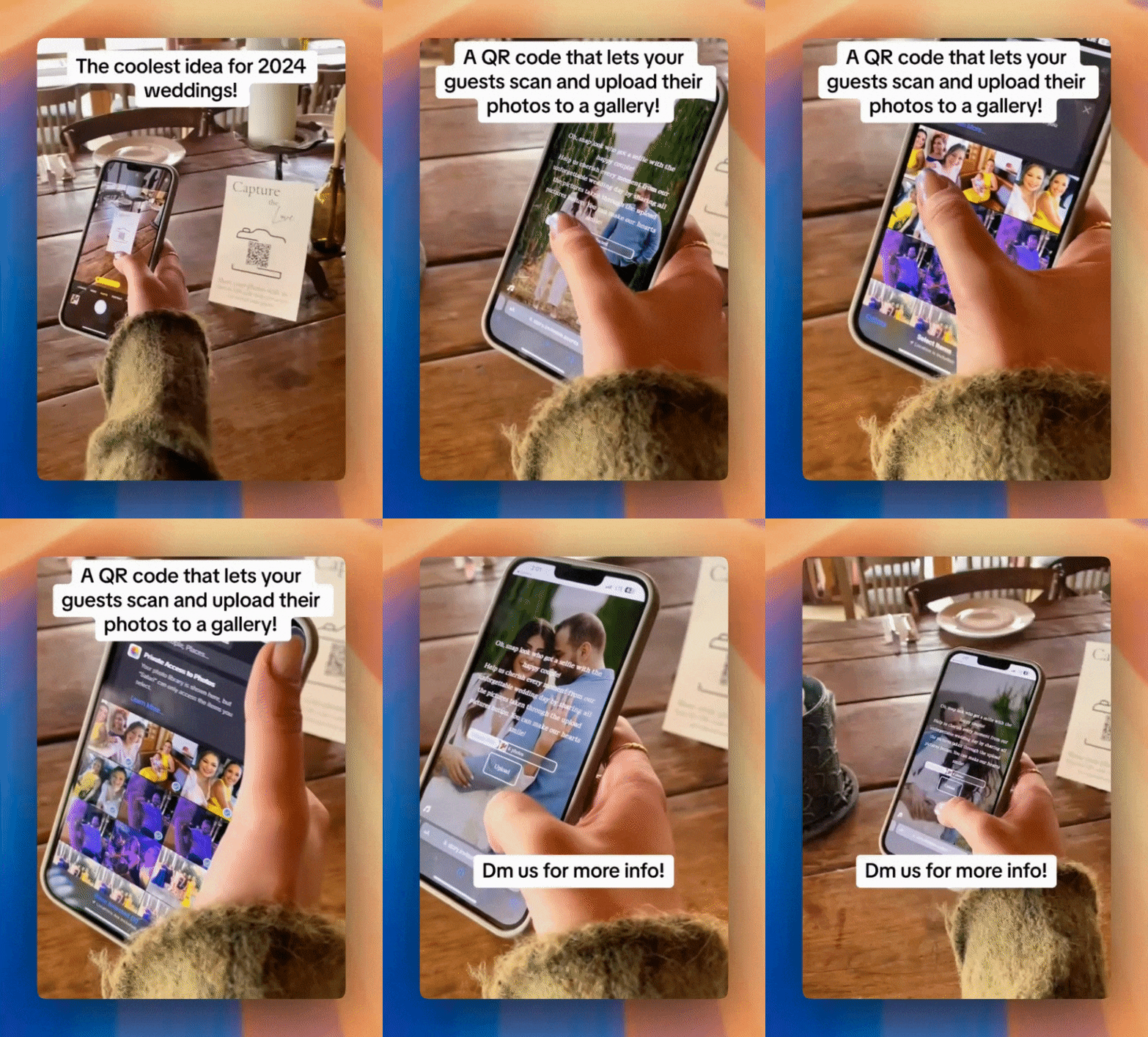
Create your link in minutes. Guests upload photos and videos from their phones — no app needed.
- Free to start
- 3 steps
- Works in browser
- Free tier
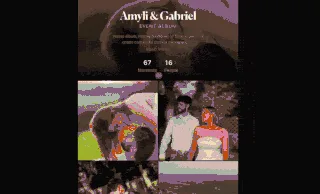
Moments guests actually send you
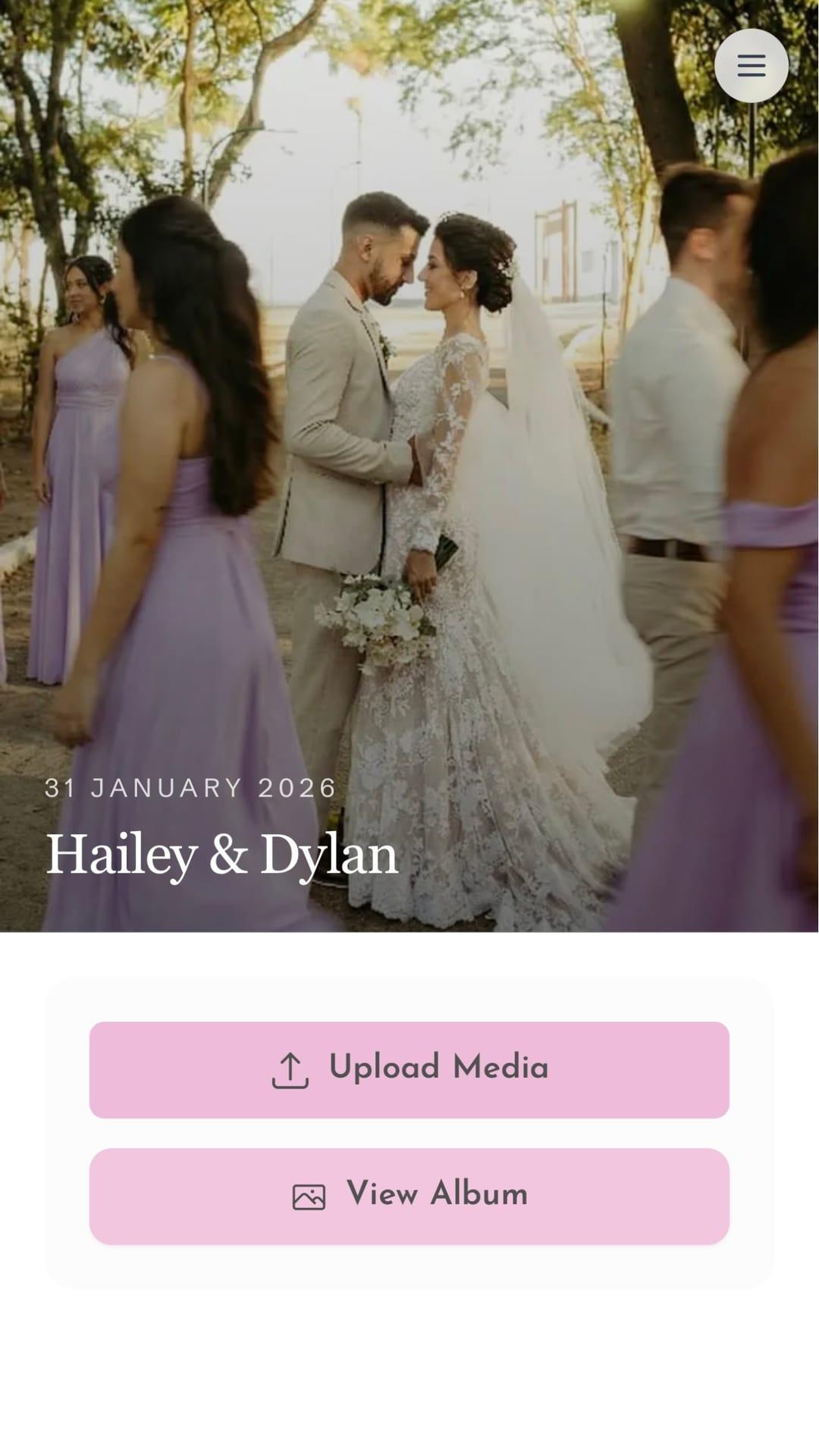
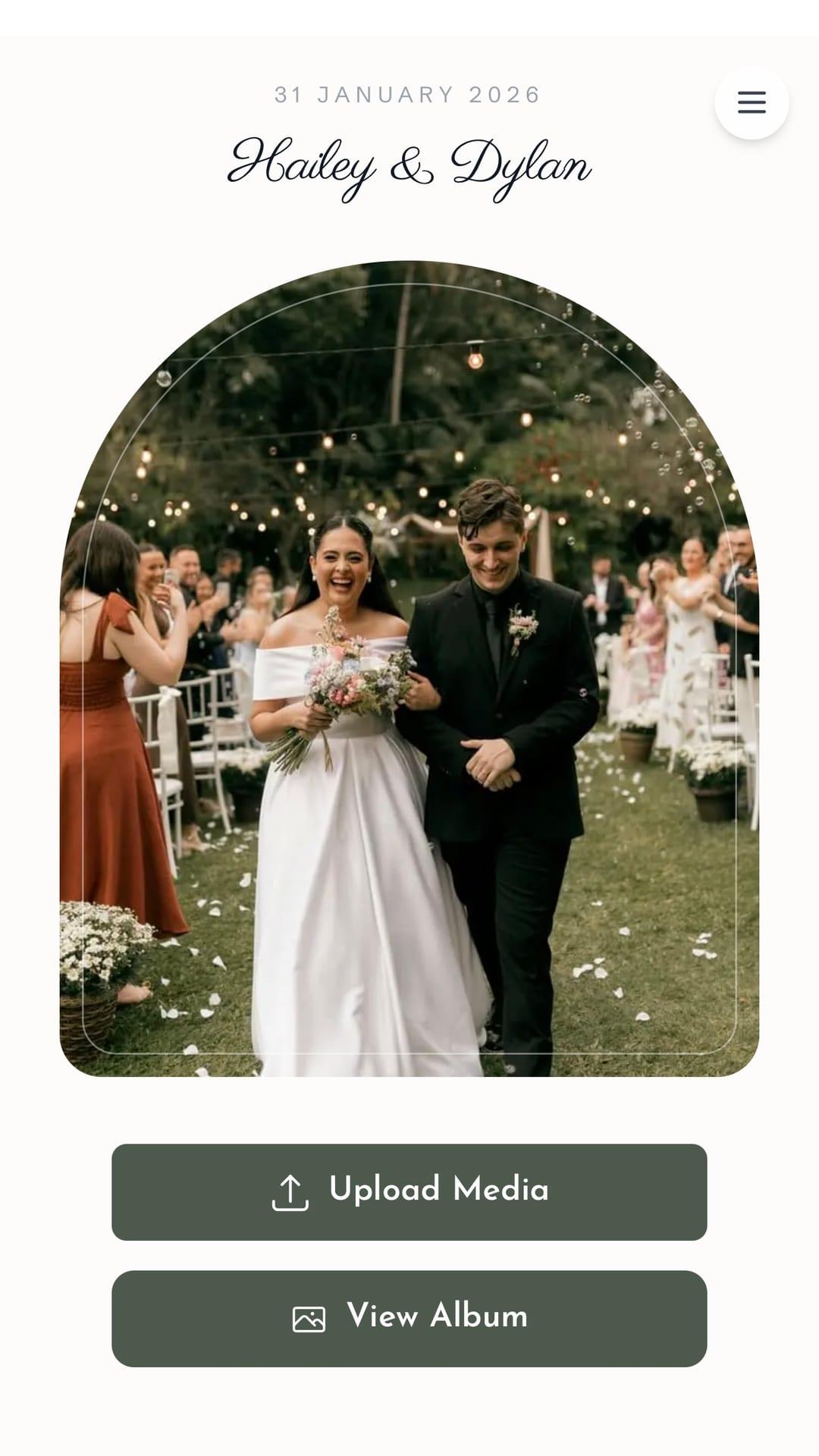
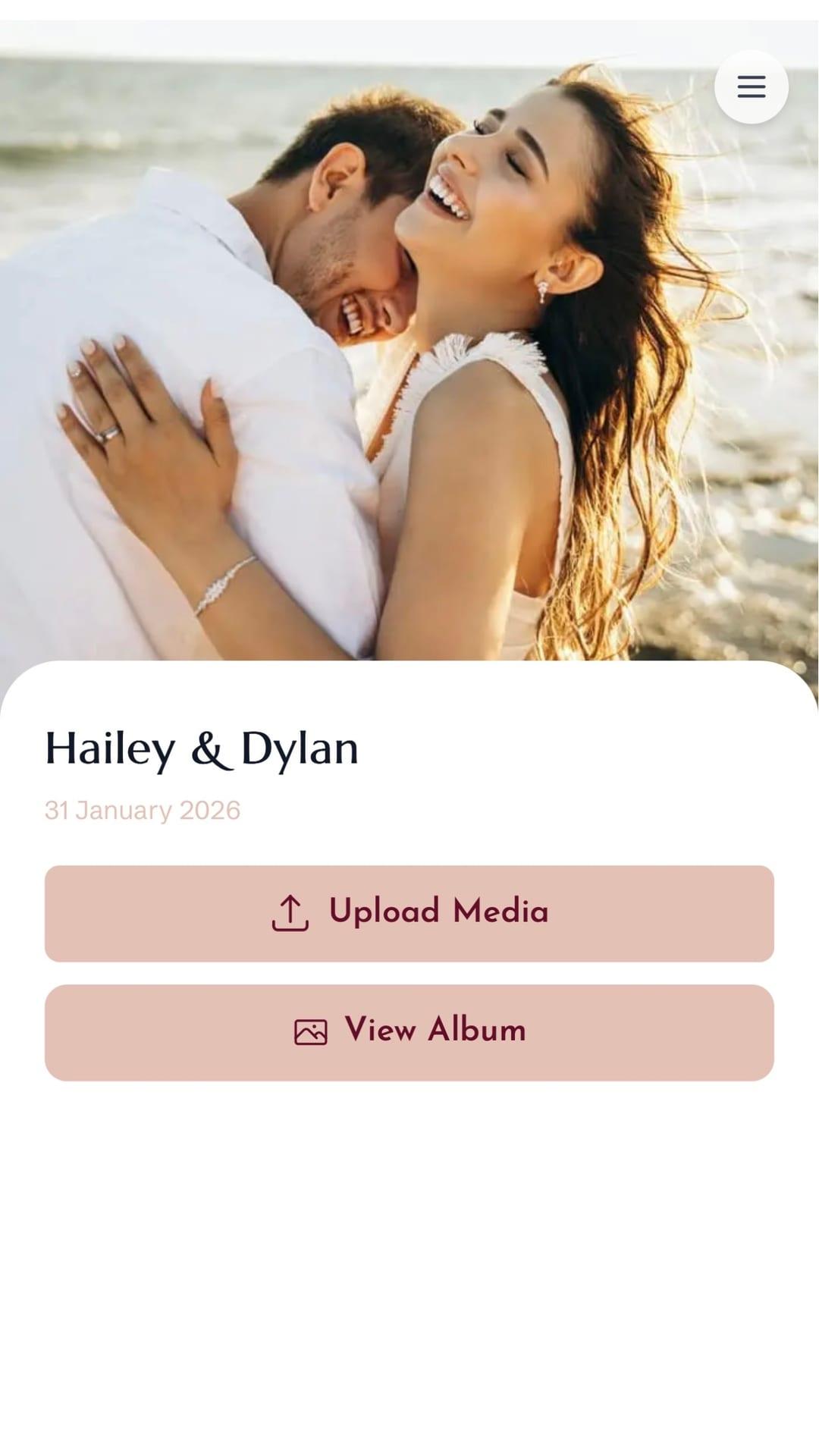
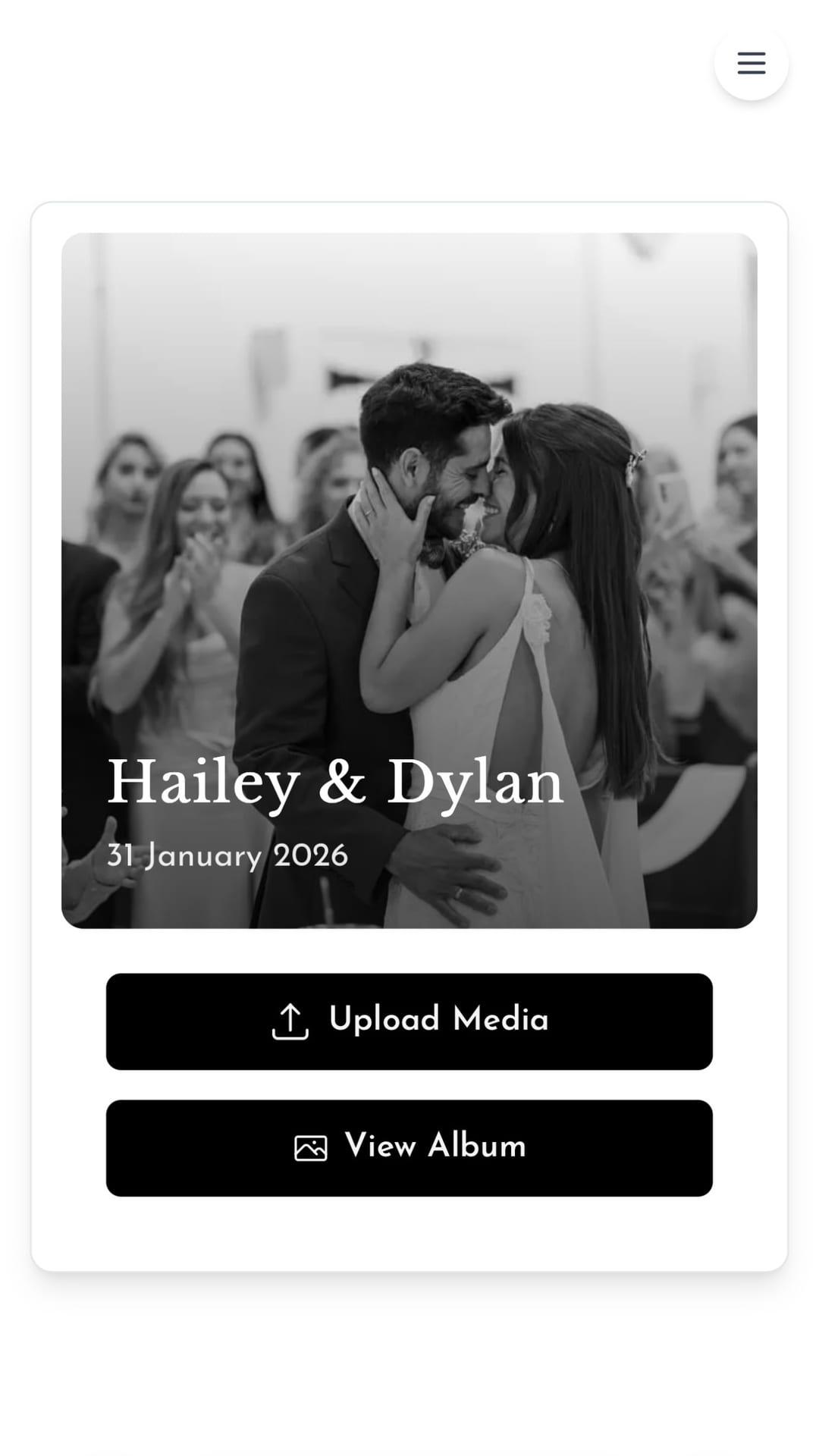
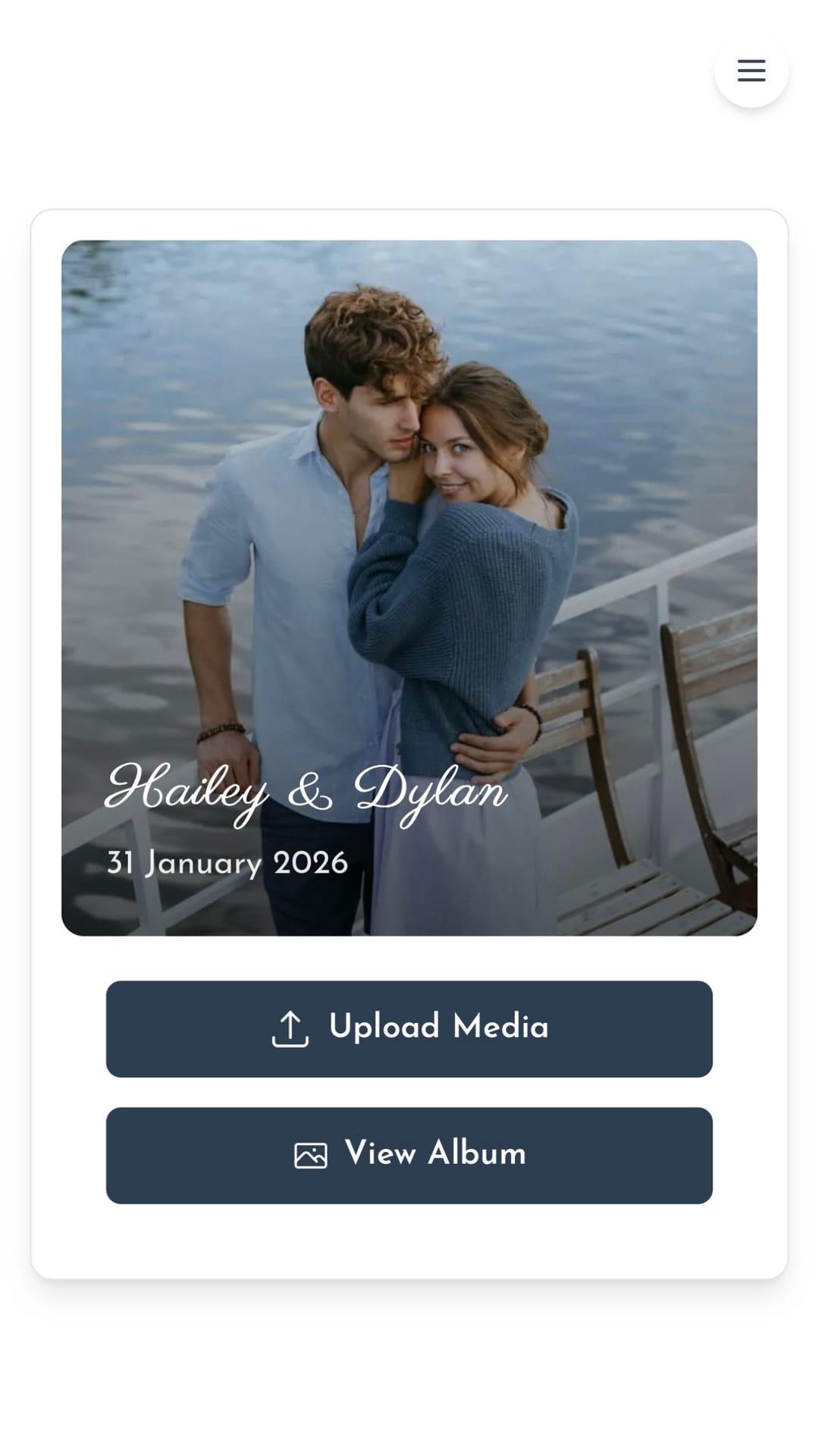
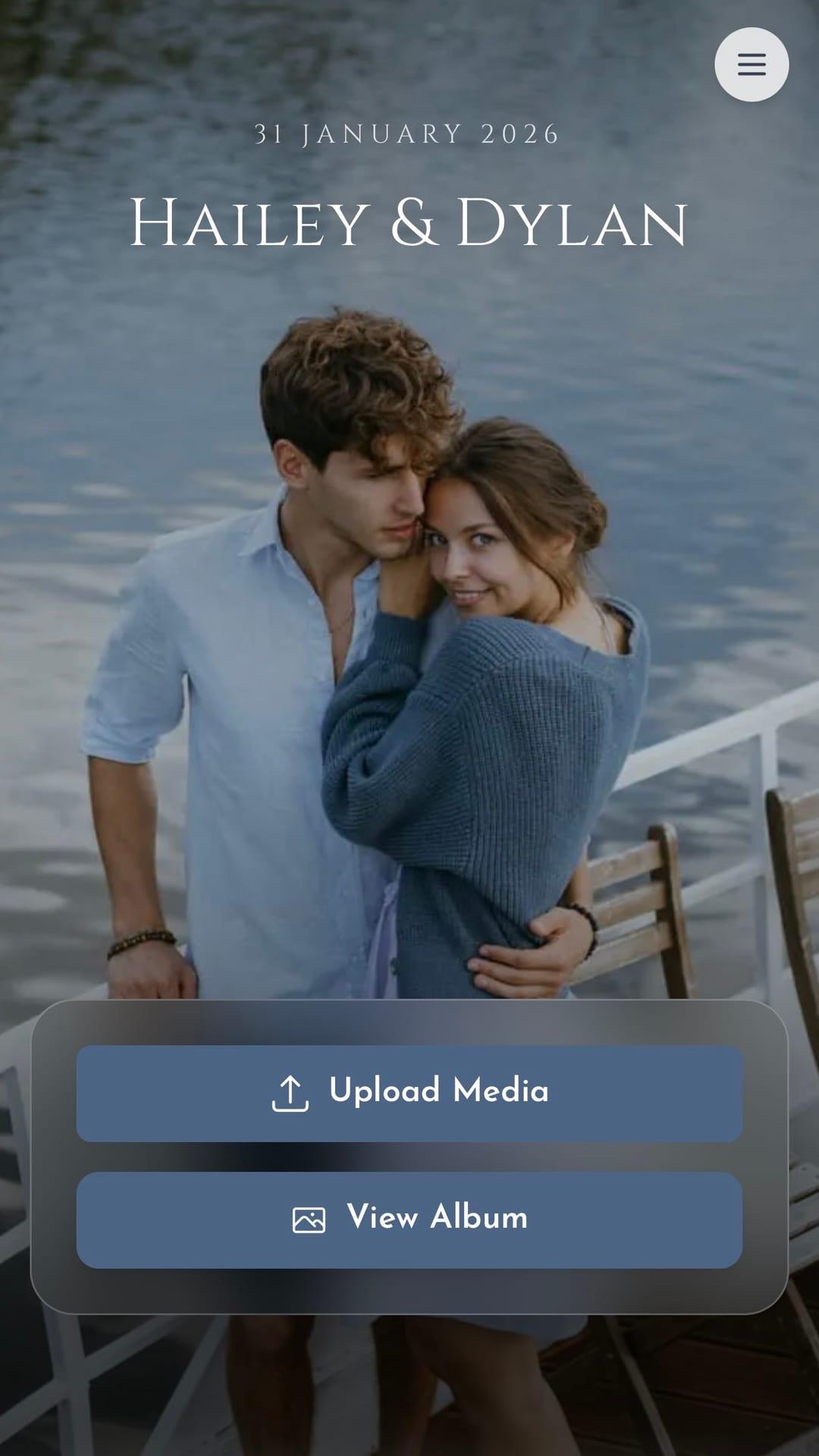
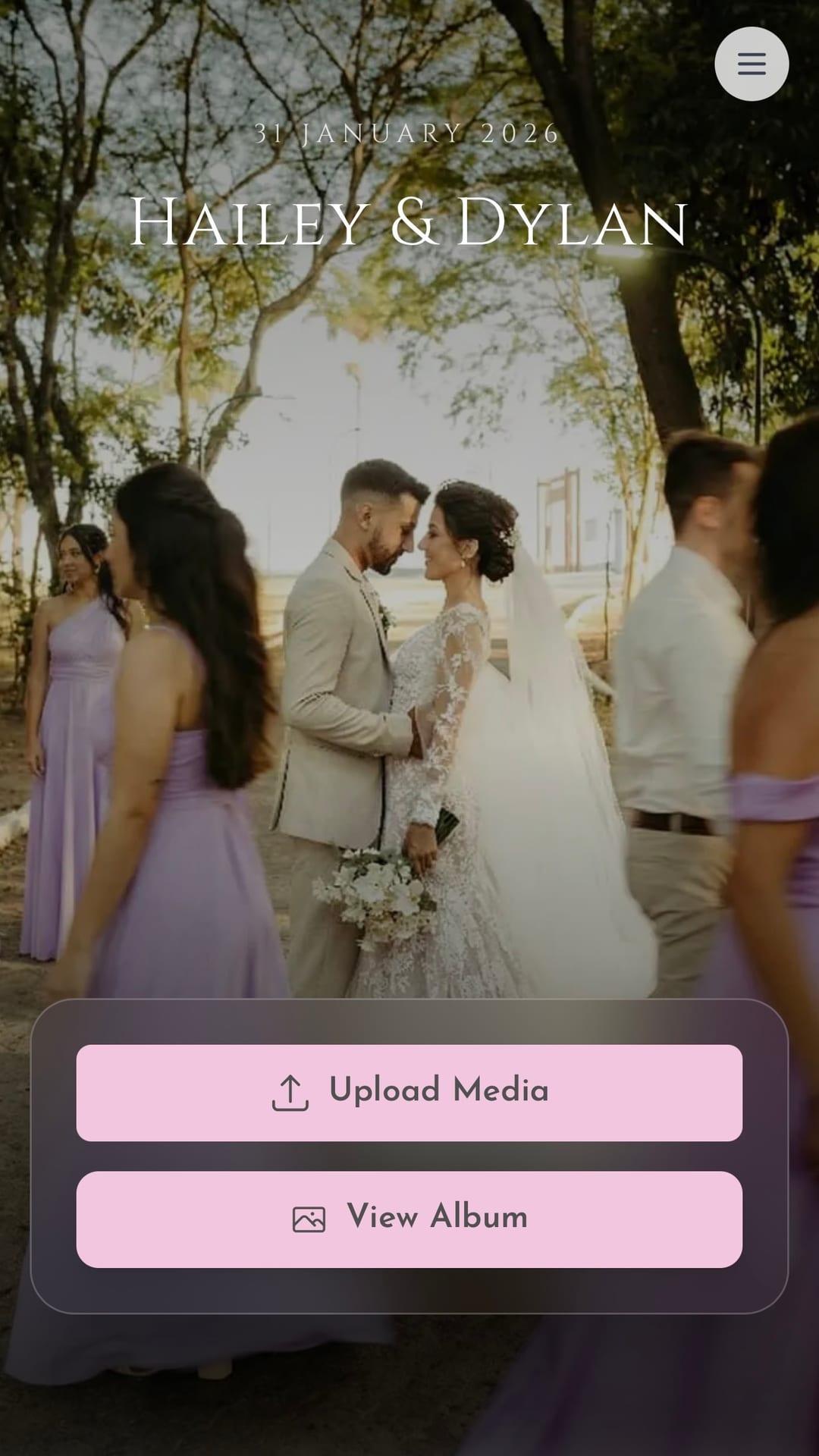
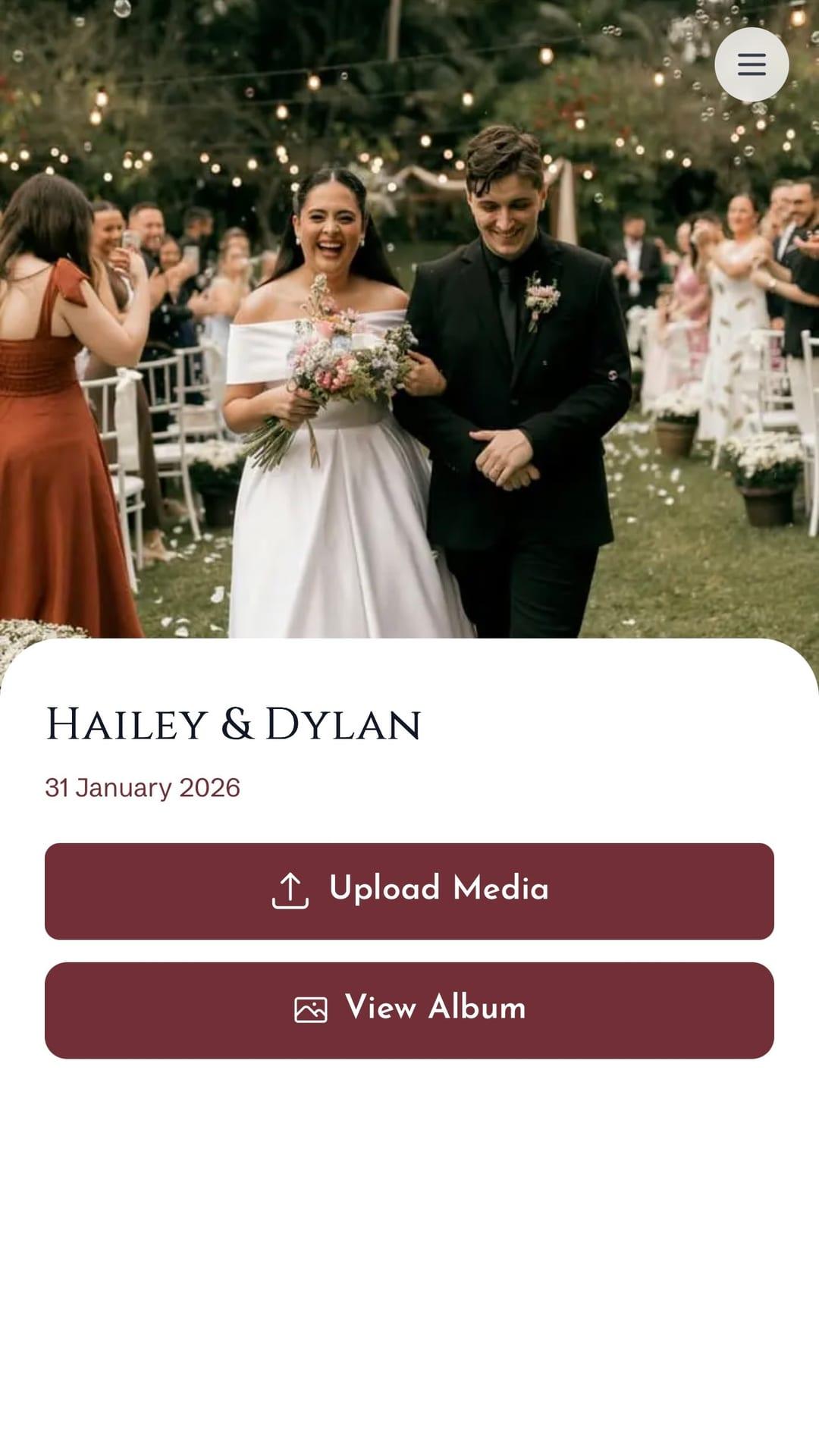
A continuous reel of real celebration photos you can collect for your event too.
As seen on




How it works
3 steps to a full gallery
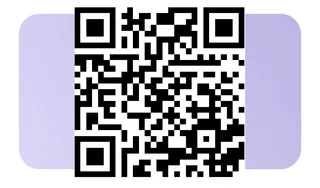
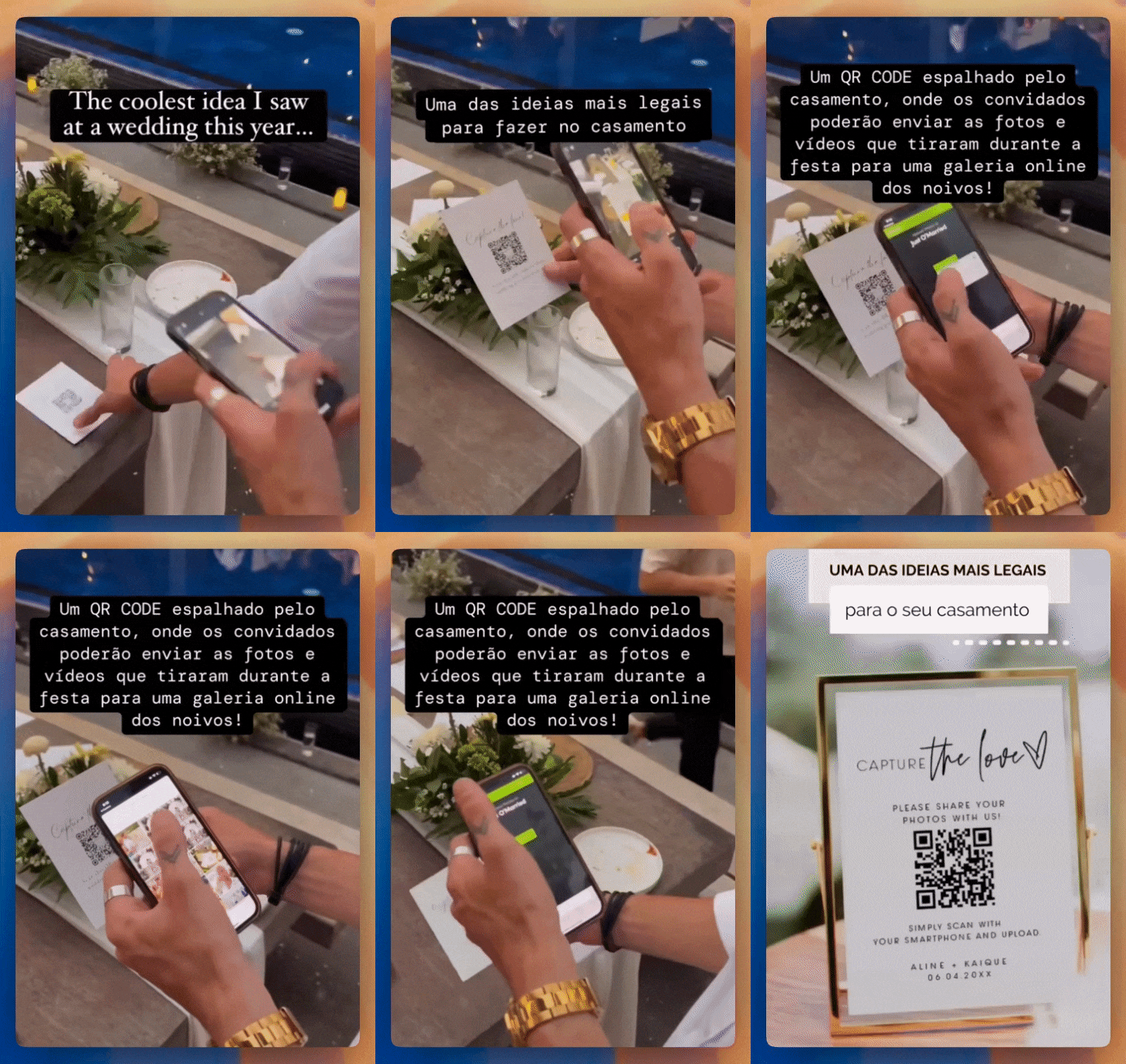
One QR code — guests send photos straight from their phone.
How does it work?
- STEP 01
Create the event
Event name and done. Tune who sees photos later.
- STEP 02
Share the QR
WhatsApp, signage at the venue, or printed invites.
- STEP 03
Download everything after
All guest photos and videos in one place.
Le nostre sorprese
sono di tendenza su TikTok
sono di tendenza su TikTok
FAQ
Questions from hosts like you
Straight answers about guest uploads, privacy, and what happens after the party.
Quale sorpresa vuoi?
Scegli un'opzione e genera il tuo codice QR con pochi clic
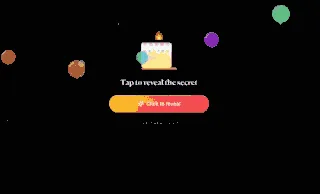
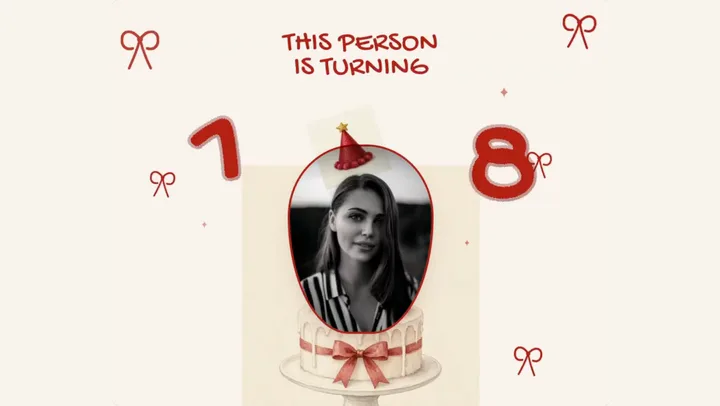
🎂 Sorpresa di compleanno
Congratula la persona che ami con una sorpresa di compleanno online
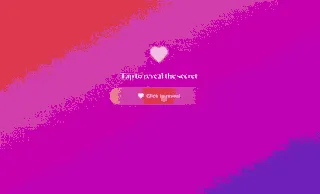
💗 Sorpresa d'amore
Crea un contatore del tempo di relazione con foto della coppia e la tua musica preferita

🌧️ Birthday Matrix
Pink digital rain, countdown, gift GIF and photo book — the viral birthday surprise in one QR
📷 Registrazioni dell'evento
Genera un codice QR per gli ospiti per scattare foto e video durante l'evento







🥠 Fortune cookies
Crack open virtual fortune cookies and discover love notes written just for you


🪔 Diwali Wish
A glowing Diwali blessing with a cinematic reveal and a QR you can share on WhatsApp