
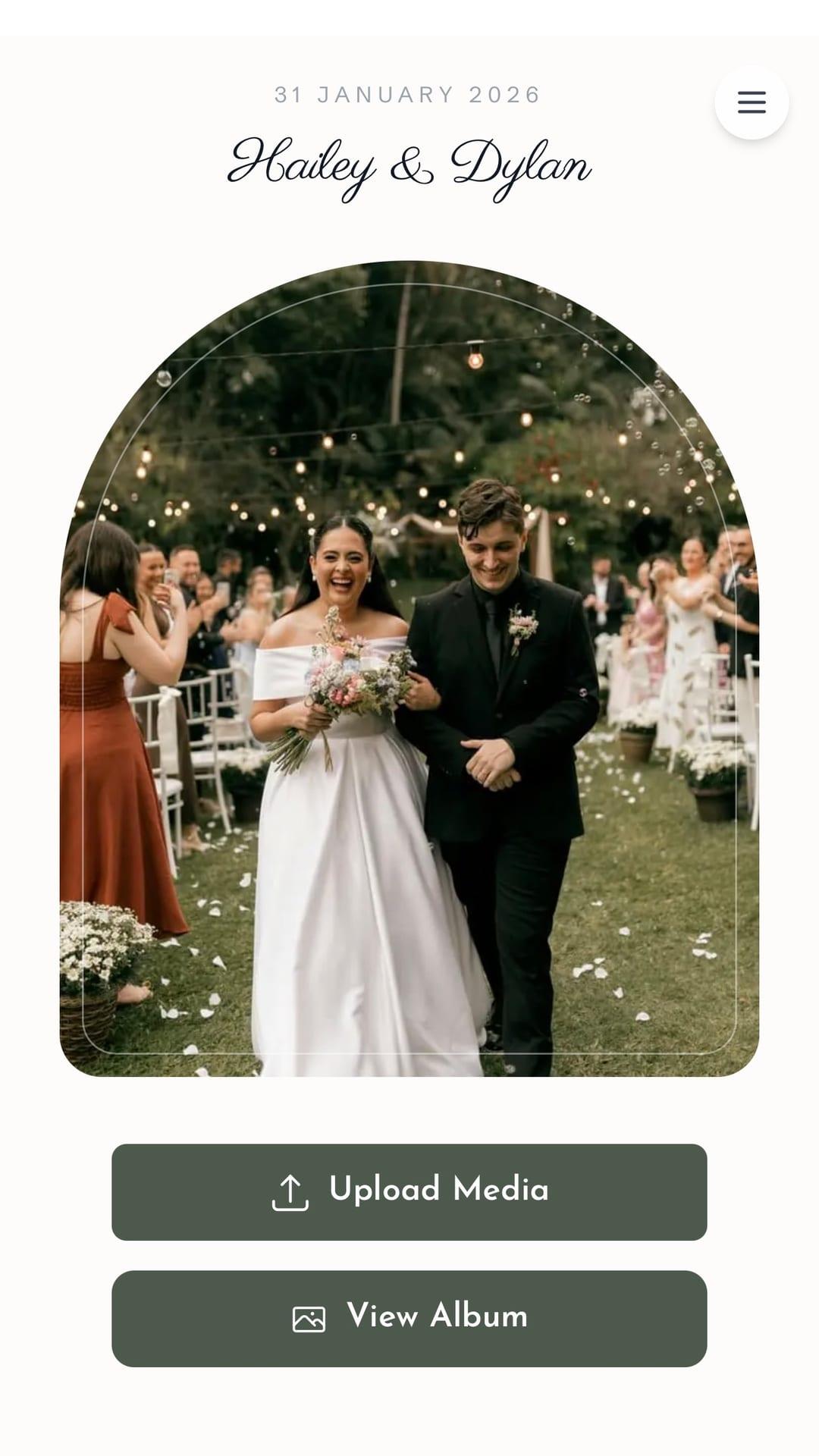
On your wedding day, each guest sees a different slice of the story: getting ready, the ceremony from the side aisle, the dance floor, the dessert table. If everything stays on individual phones, you lose half the memories. Couples often ask: what is the best app for guests to send wedding photos without chaos?
The short answer: the best option is one that does not require an install, works in the phone browser, and collects everything in one album you control. That is the kind of experience GiftsQR is built for—a wedding page with a gallery and QR codes so guests only scan and contribute.
Why generic “photo apps” often disappoint
Many couples try shared album apps or ask for photos in a WhatsApp group. The pain points are usually the same:
- Half the guests never install anything in the rush of the day.
- Duplicate photos, huge videos, and chat noise get lost in the scroll.
- Privacy—not everyone wants to join a group of strangers.
- Cleanup—someone still has to download, filter, and archive everything later.
That is why solutions that behave like an “app in practice”—a mobile-friendly web page—often work better than store apps that need signup and downloads.
What the best guest photo solution should include
Use this checklist when you compare options:
- Fast access—short link or QR code on the table, menu, or welcome sign.
- No install—open in Chrome/Safari and go.
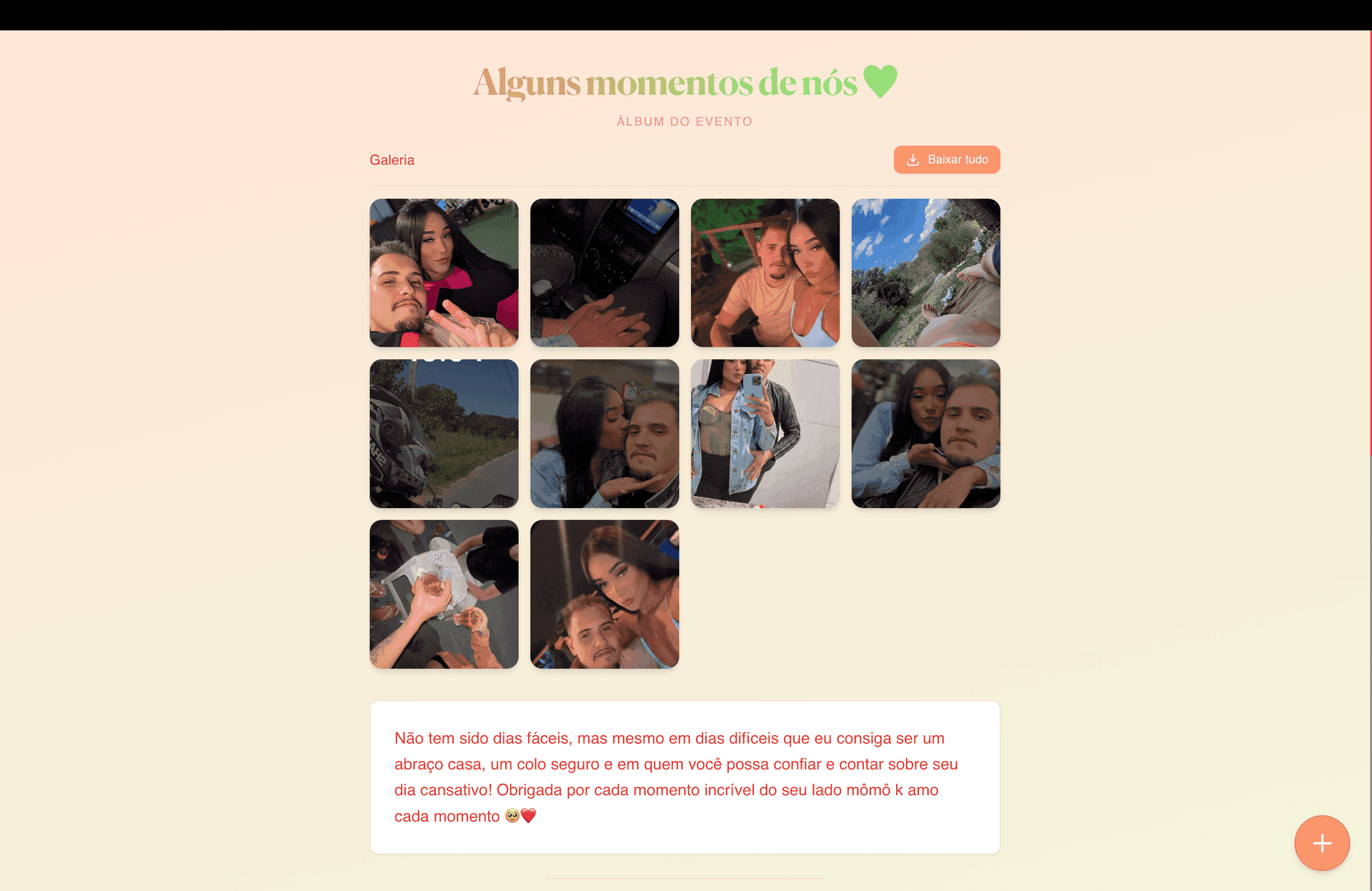
- Single destination—all uploads in one gallery the couple can manage and keep.
- Clear instructions—copy on the page that says “upload your photo here” helps less tech-savvy guests.
- Optional personality—names, date, and a welcome note make it feel special, not like a generic uploader.
GiftsQR brings this together on your wedding page: you customize the look, share link + QR, and guests join right from their phones. For a full walkthrough, see the GiftsQR wedding album guide.
How to use it on the day (without stress)
A few tips that actually help:
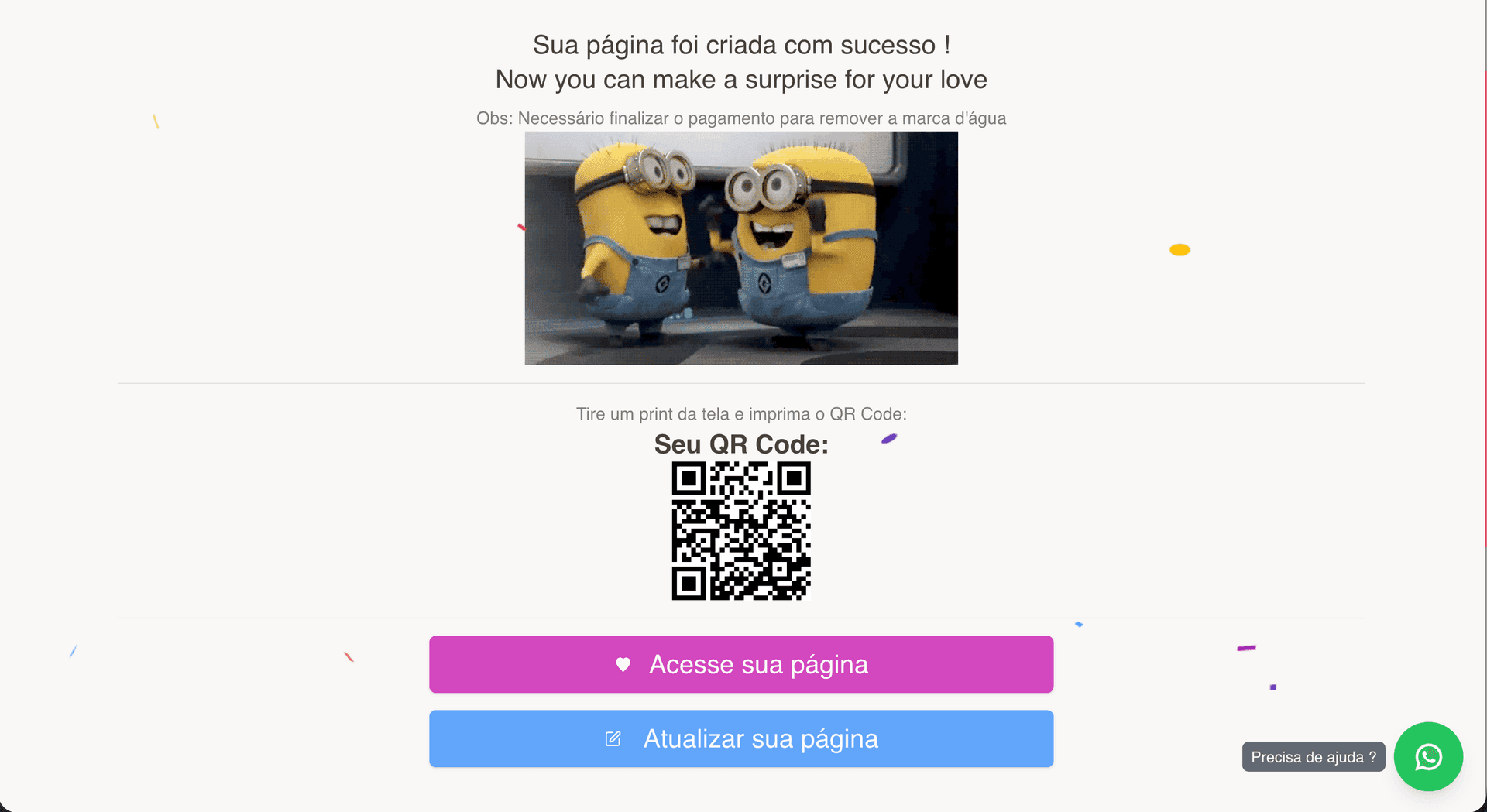
- Print the QR large enough to scan easily—table cards, entrance sign, or a reception slide.
- Mention it once from the mic—“Scan the QR on your table and send the photos you take today!”
- Ask your MC or DJ to repeat mid-reception when the dance floor fills up.
- Align with your photographer—the guest album complements pro work; it does not replace it.
That way guests in the back row or at the far table still become part of the story.
FAQ
Do guests need to download an app?
With a GiftsQR page opened via link or QR, no—the phone browser is enough.
What if someone does not use QR codes?
Share the same link wherever you already send directions, or put it in your wedding-day Instagram bio.
Can we combine a gallery with a gift list on one page?
Yes. Your GiftsQR wedding page can include gallery, message to guests, and other sections you want to highlight.
Ready to gather every photo in one place?
Create your wedding page on GiftsQR
More guides on the GiftsQR blog.