

Create a live album for your birthday party: guests scan a QR, upload on the spot, and you download everything afterward.
Juliana M. · 30th birthday
QR at the entrance table. Next day we had 300 photos we did not even know existed.
Why use a QR code album at a birthday party
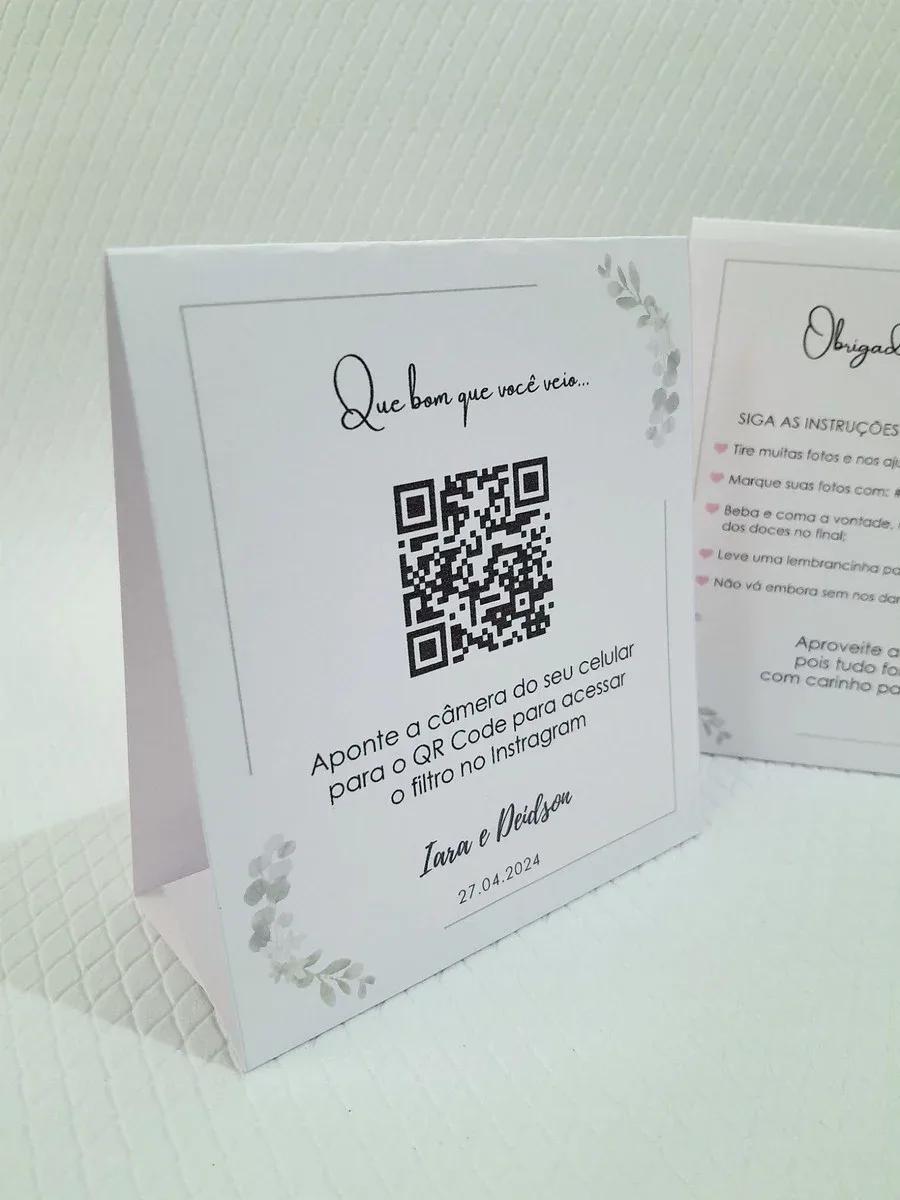
Cake shots, hugs, and dance floor moments stay scattered. A QR at the entrance or main table centralizes everything.
QR on the dessert table, digital invite, or entrance sign.
Features for parties and celebrations
- Custom page with event name, colors, and cover
- QR code for instant upload — no app
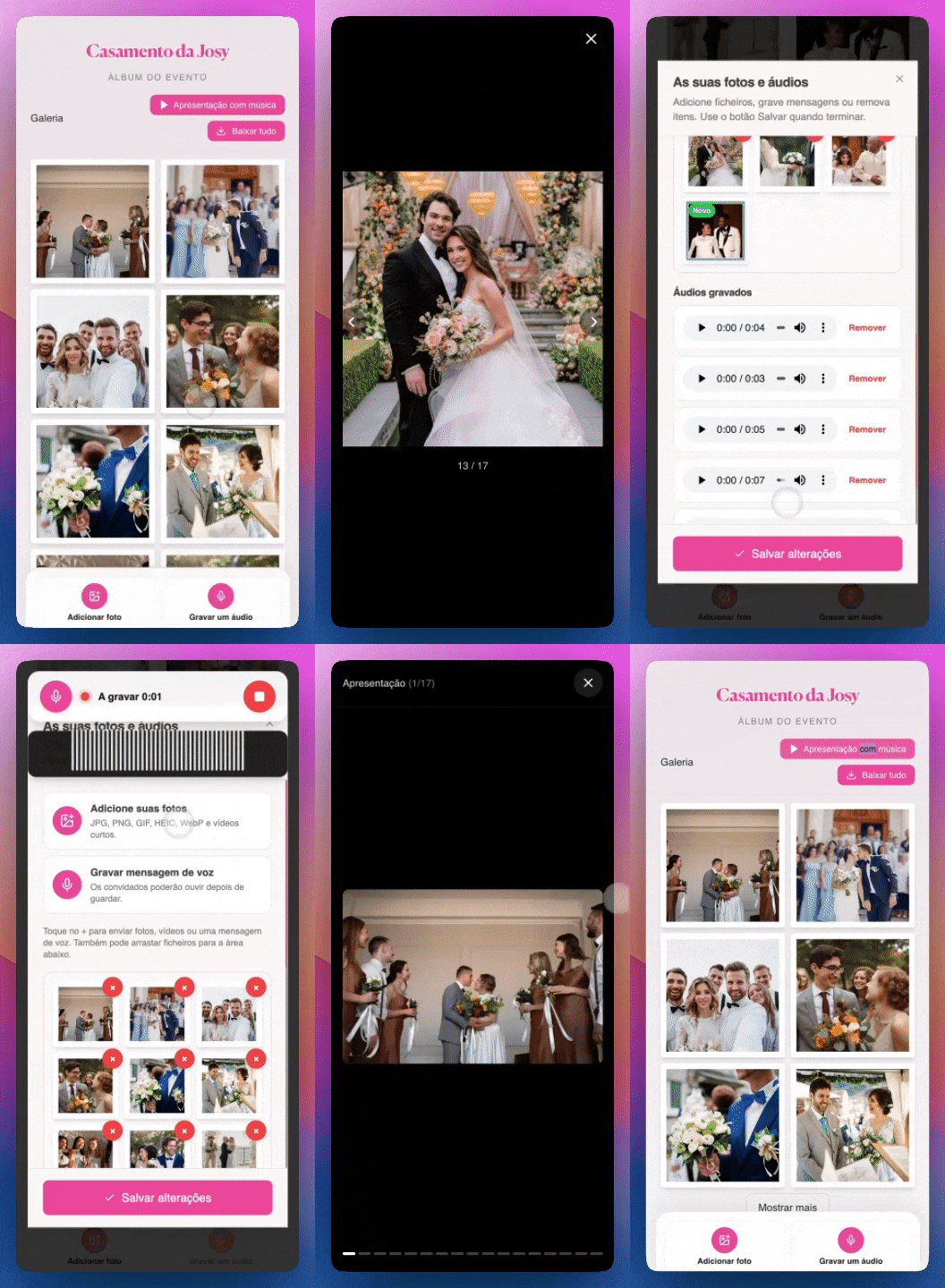
- Live gallery during the party
- Slideshow for TV or projector
- Full ZIP download
- Works on iPhone and Android
See how guests upload from their phone
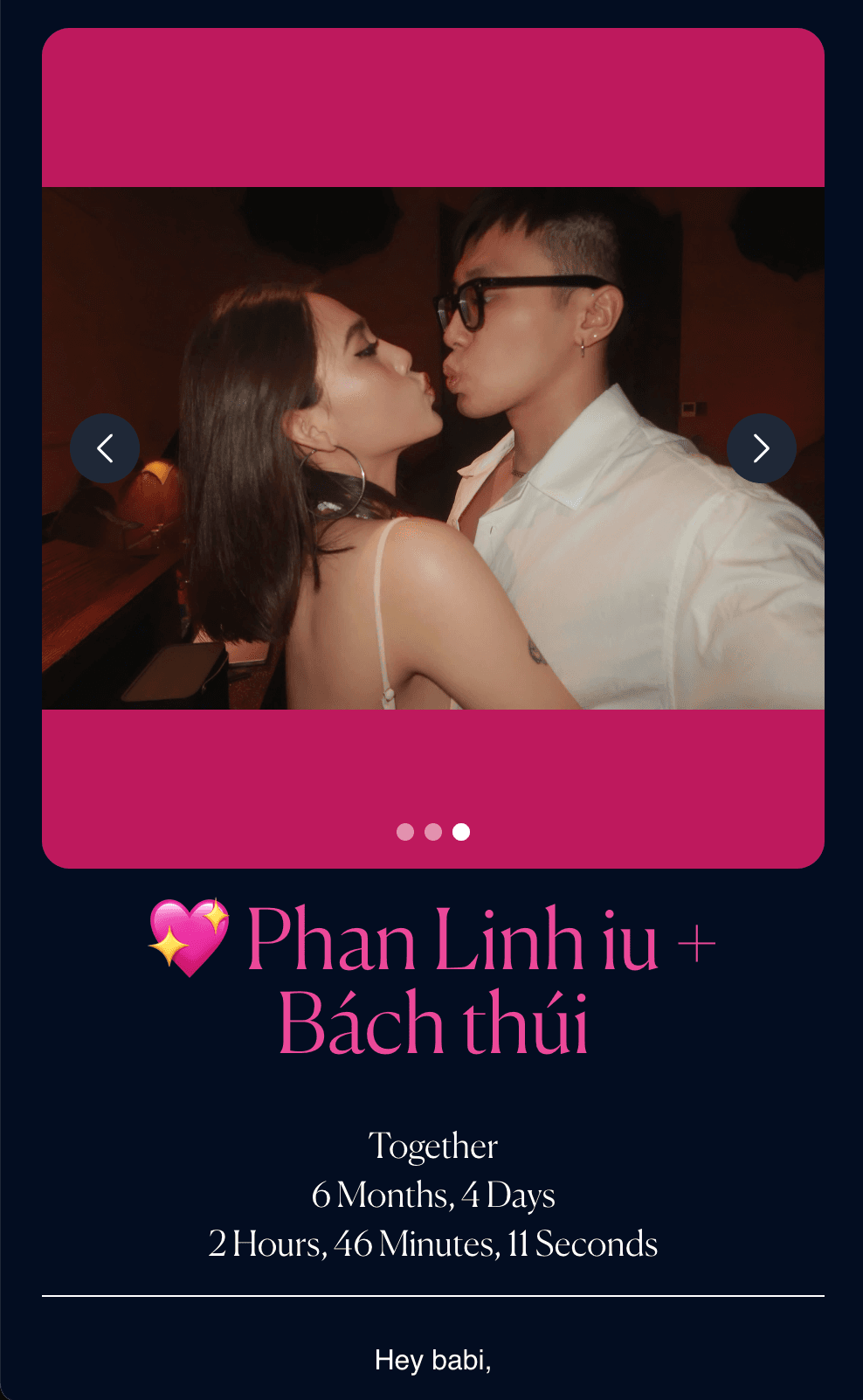
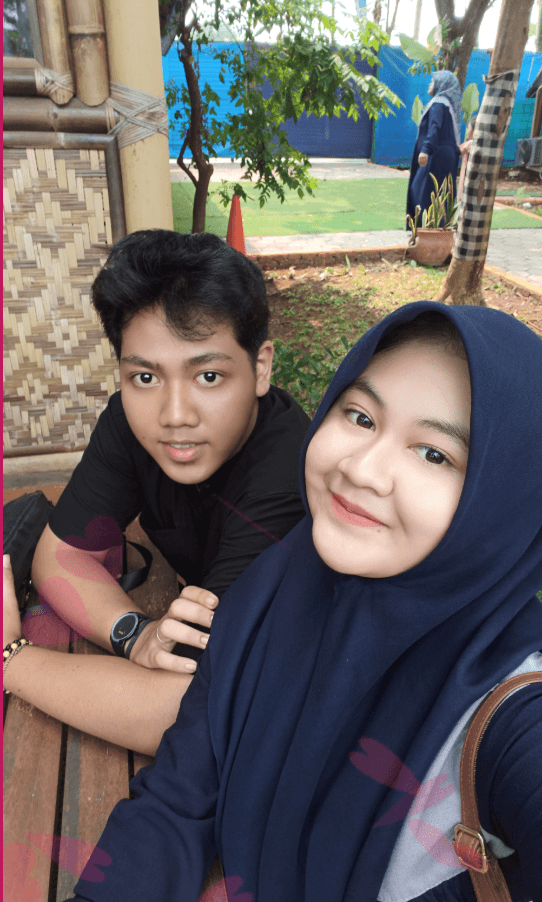
Moments captured by guests at parties

Tutorial: create album and share QR
Parties that used the photo tunnel
Surprise: 150 photos in 2 hours
QR at the door. Guests uploaded before the toast.
Sweet 16: Gallery on TV
Live slideshow during waltz and dance floor.
Kids party: Parents downloaded all
Full ZIP the next day for a memory album.
How to set up
- Open the photo tunnel creation page
- Add event name, colors, and cover image
- Publish and download the QR code to print
- Place QR at the party — table, invite, or entrance
- Guests scan and upload from their phone
- Download the full album as ZIP after the event
Birthday tips
- Place QR where everyone walks by — entrance or main table.
- Announce the QR on mic or a sign.
- Project gallery on TV.
- Download ZIP right after the party.
FAQ
Works for surprise parties?
Yes. Create the album beforehand and share QR at the right moment.
Need an app?
No. Phone browser only.
Can I customize colors?
Yes. Event name, cover, and colors.
Photo limit?
Unlimited on paid plan.
Full guide
We have a dedicated landing page with examples, testimonials, and FAQ:
Conclusion
Perfect for birthdays at any age — capture every spontaneous party moment.
Read more on the GiftsQR blog or the birthday party landing page.