
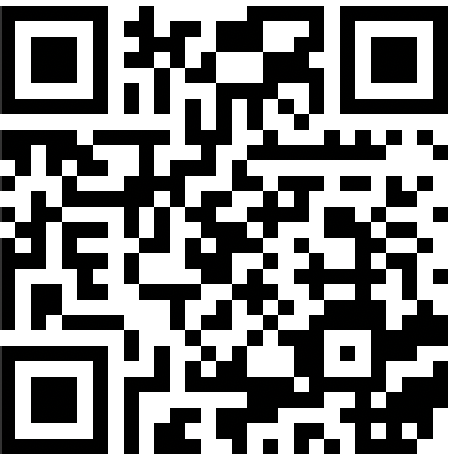
If you already use QR codes for invites, event photos, or payments, setting up a Brazil VPN can be just as simple. BrAccess at tunells.online generates a WireGuard QR per device — scan, connect, and get a Brazilian IP in seconds.
WireGuard + QR: why it works better
WireGuard is light and fast — ideal for live streaming. The pain is usually sharing config: email with .conf, copy keys, typos. With a QR code, the WireGuard app imports everything. Same idea as GiftsQR: scan and go.
What tunells.online provides
On tunells.online you create an account, add devices, and scan each QR. Stripe billing; access cuts off automatically if the plan expires. Revoke a lost phone without touching other devices.
For Brazilians living abroad
Brazilians in the US, Portugal, UK, and Canada use tunells.online for Globoplay, Cazé TV, Premiere, and open TV. One QR for the living-room TV, another for your phone — full control.
Step-by-step
- Install the WireGuard app (free) on your device.
- Create an account at tunells.online/en.
- Generate the device QR in the BrAccess dashboard.
- In WireGuard, tap "+" → "Scan QR code".
- Enable the tunnel and confirm your Brazilian IP.
FAQ
Do I need networking knowledge?
No. If you can scan a QR, you can set this up.
Works on iPhone?
Yes. Official WireGuard on the App Store + dashboard QR.
And Android?
Yes. Same flow with WireGuard from the Play Store.
Can I try before paying?
Yes — free trial at tunells.online with no card.
Conclusion
Brazil VPN does not have to be hard. With WireGuard QR on tunells.online, you connect fast and focus on what matters: live Brazilian content.
Hosting a party or watch party? Create a QR photo album on GiftsQR — guests upload with no app.
More guides on the GiftsQR blog.